AppDynamics gives you deep insights into application performance. But when alerts flood your inbox, escalate slowly, or lack context, visibility becomes a liability. AlertOps gives you control, clarity, and faster action.
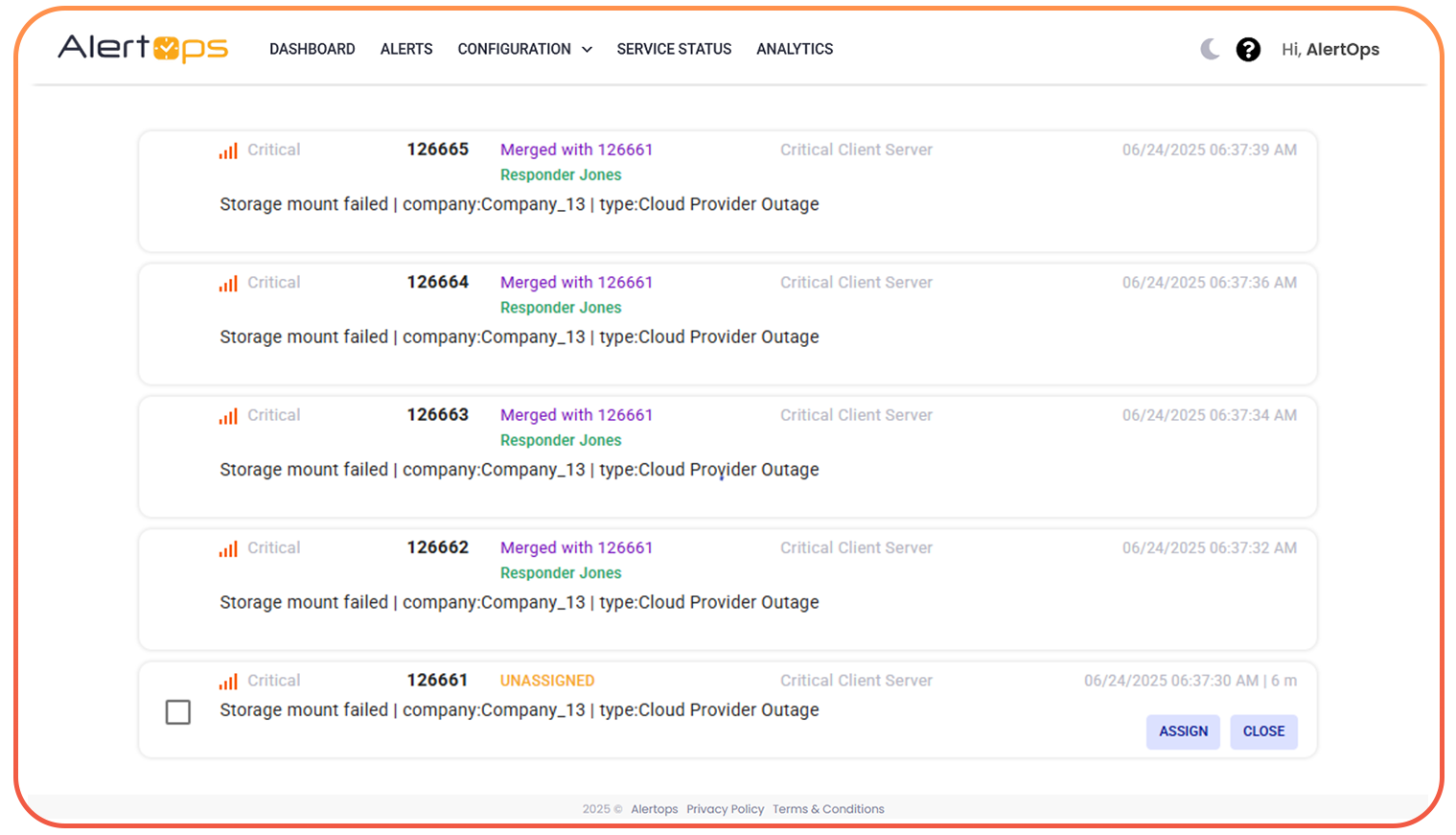
AI-Based Alert Grouping
Group redundant alerts from saved searches or security notables into one incident.
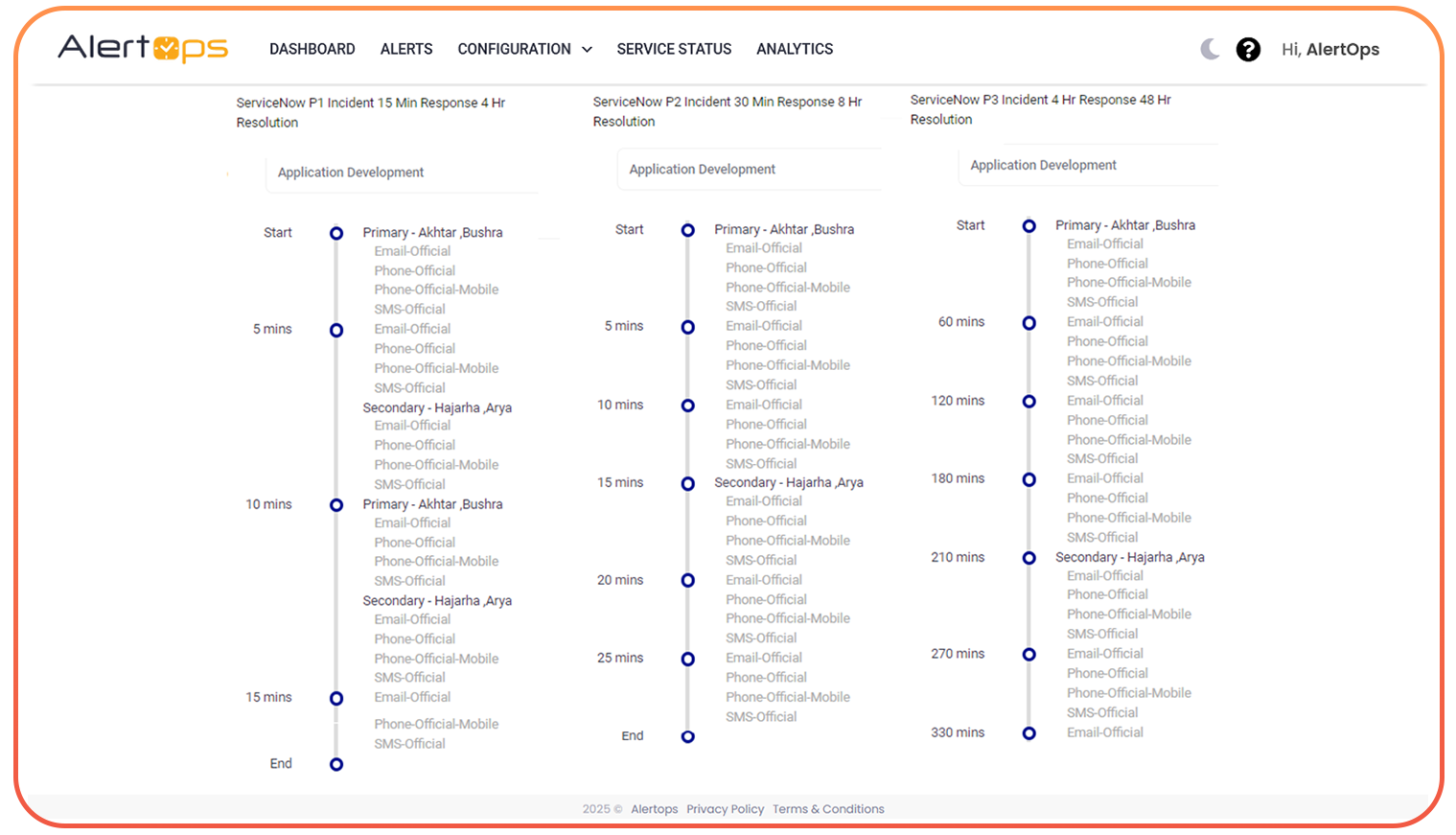
Smart Escalation Flows
Route based on severity, alert source, or app team. Escalate intelligently if no response.
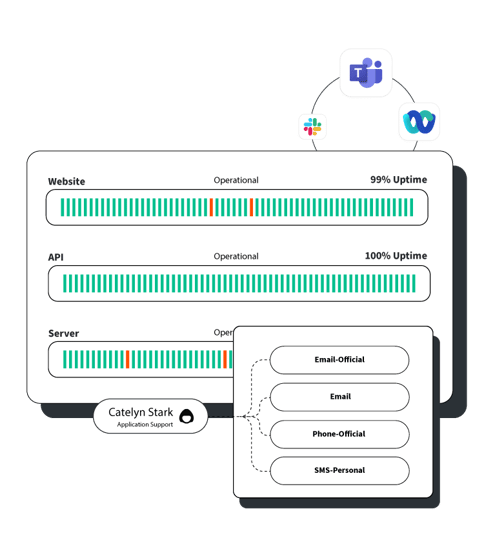
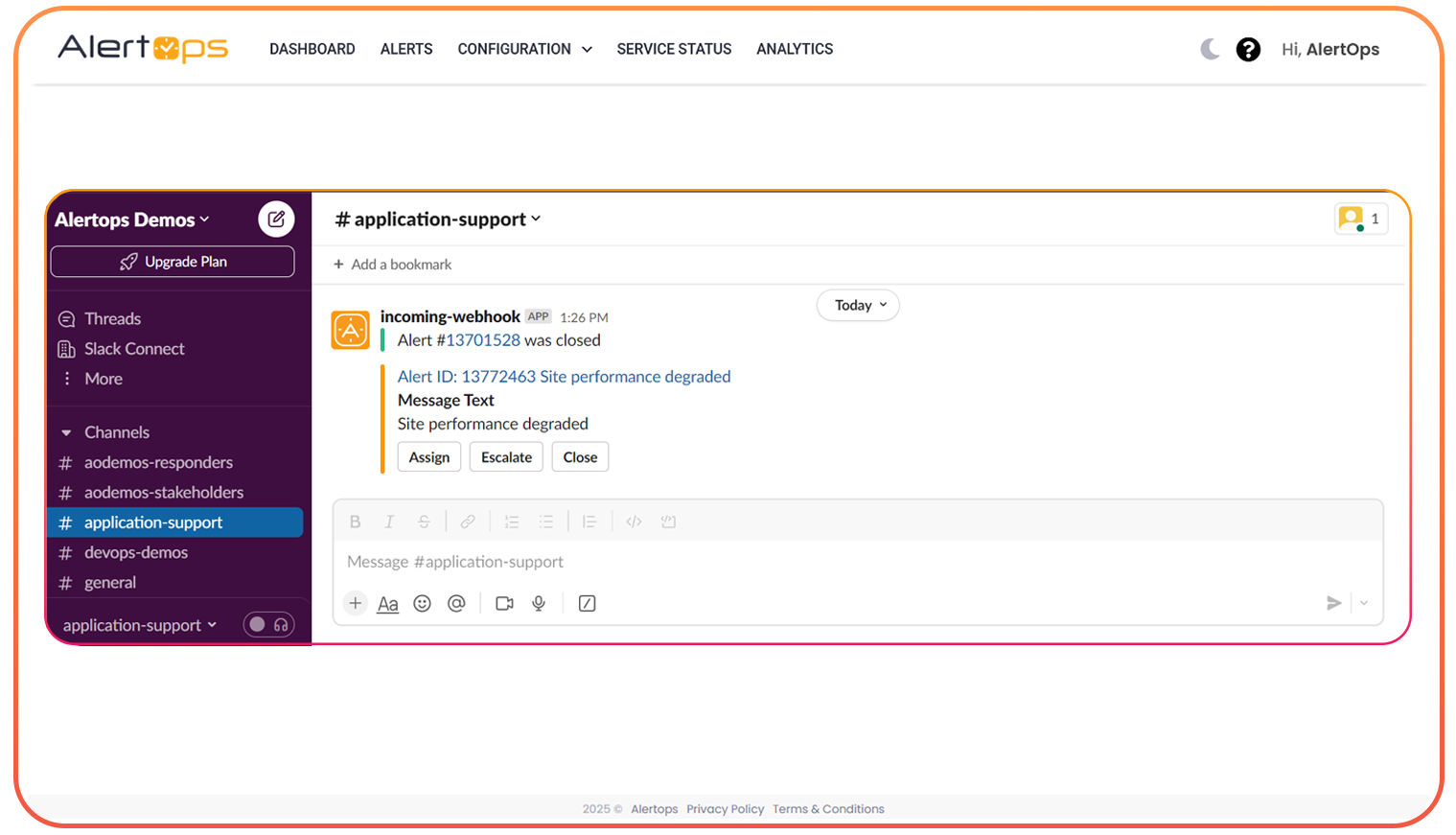
Multi-Channel Notifications
Slack, Microsoft Teams, email, SMS, voice, reach your teams where they work.
Auto-Resolve & Recovery Detection
Auto-close alerts when Splunk logs a recovery, keeping your stack clean.
Full Audit Trails & Insights
Full incident timeline, who got notified, who acknowledged, all in one place.
Mobile App Access
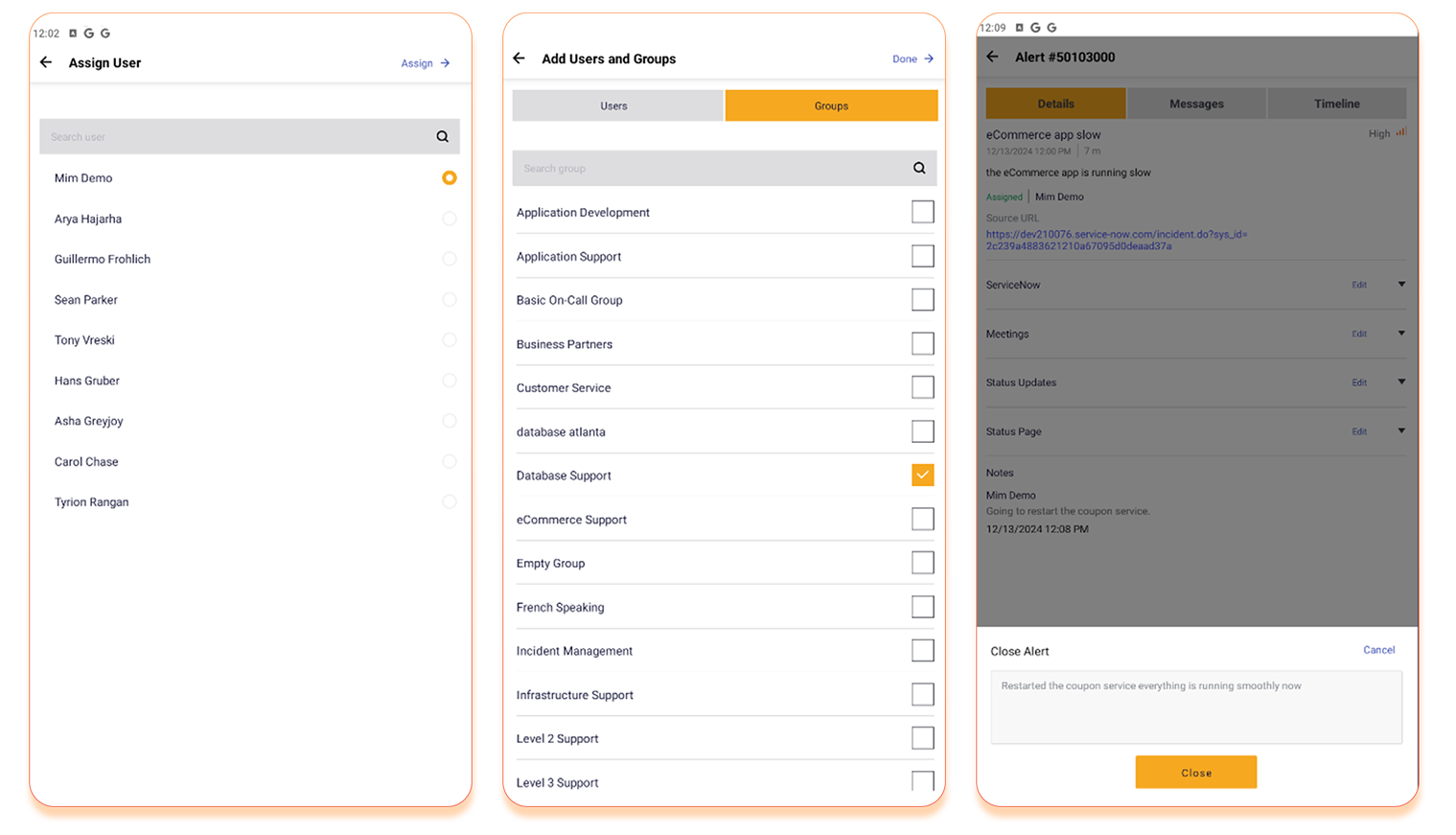
Push alerts to your phone. Acknowledge, comment, and escalate on the go.
Why Integrations Matter
AlertOps doesn’t just receive alerts, it connects the dots between your tools, teams, and timelines.
What Splunk Teams Are Asking, and How AlertOps Helps
What You Face
How AlertOps Helps
Too many alerts from saved searches or minor spikes
AI groups similar alerts, filters noise, and prevents alert storms
Duplicate tickets from correlated events or retries
OpsIQ merges similar events into one actionable incident
Email-based alerting fails or gets ignored
Multi-channel alerting via Slack, Teams, SMS, Voice
Escalations missed during off-hours or holidays
On-call aware workflows escalate to backups automatically
Resolved issues still show as “Open” in incident logs
Auto-close on recovery signal from Splunk search
User Reviews
“We had constant duplicate alerts from saved searches and missed several critical events due to email failures. AlertOps solved both overnight.”
— DevOps Lead, Global SaaS Company
Take Control of Your Monitoring Alerts
Book a Free Demo today and see how AlertOps makes ThousandEyes monitoring actionable.