AppDynamics gives you deep insights into application performance. But when alerts flood your inbox, escalate slowly, or lack context, visibility becomes a liability. AlertOps gives you control, clarity, and faster action.
AI-Based Noise Reduction & Alert Grouping
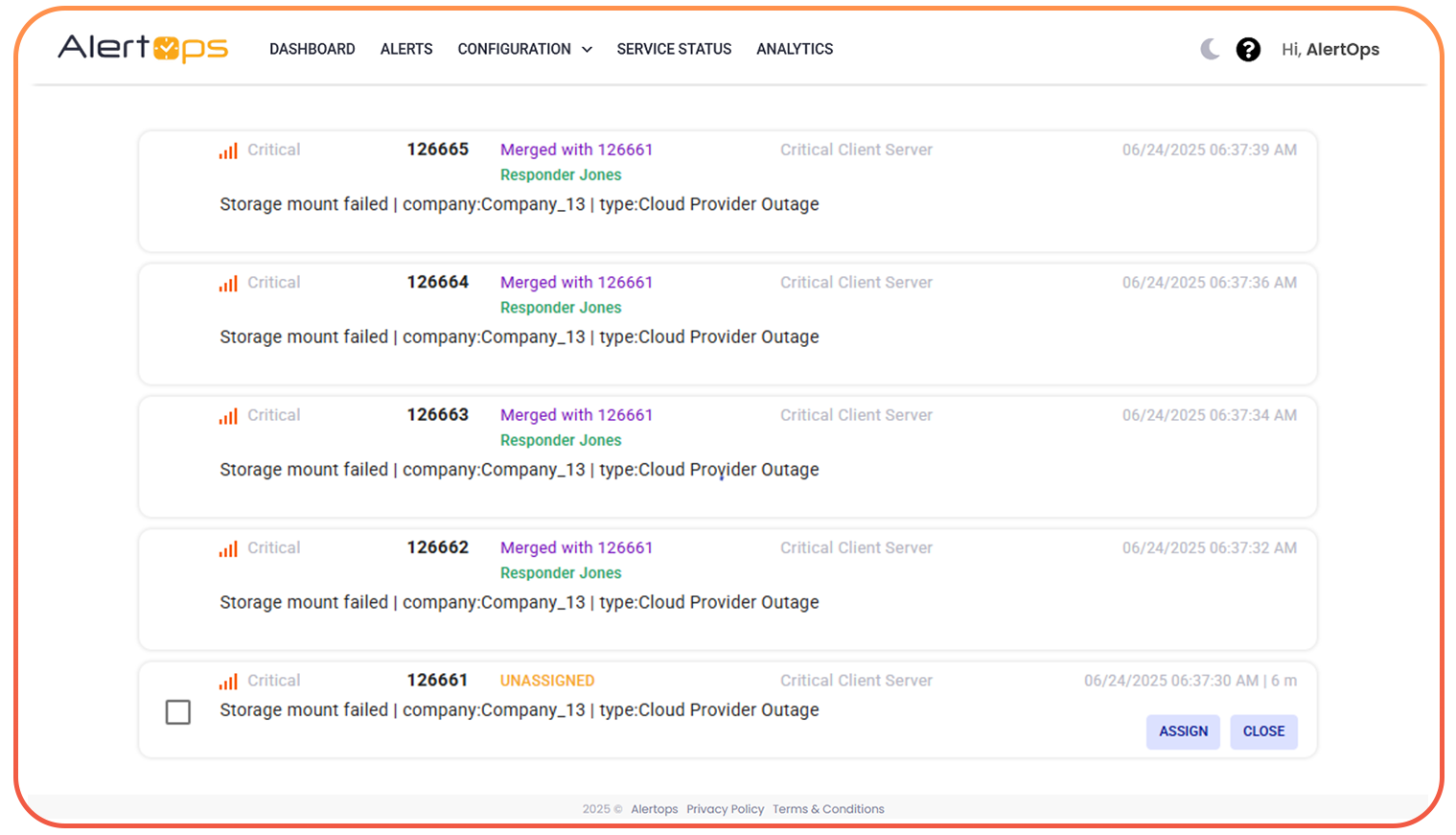
Merge overlapping health rule violations into one incident
Suppress transient spikes that don’t require action
Smart Escalation & Routing
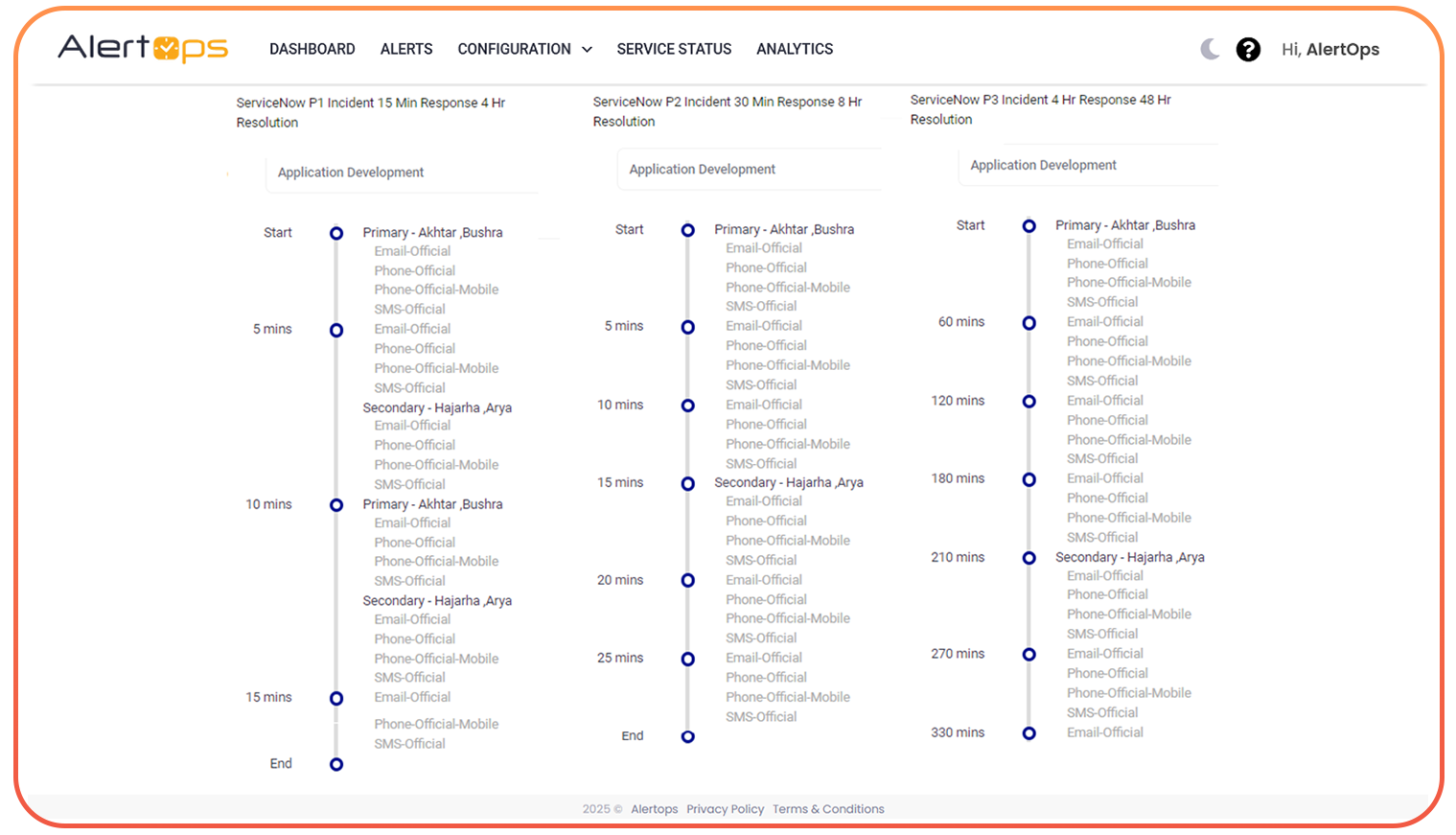
Route alerts based on application tier, team, or severity
Escalate automatically if no one responds
Multi-Channel Alert Delivery
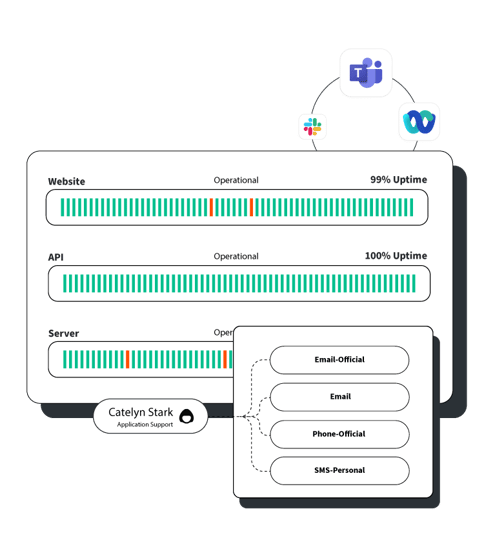
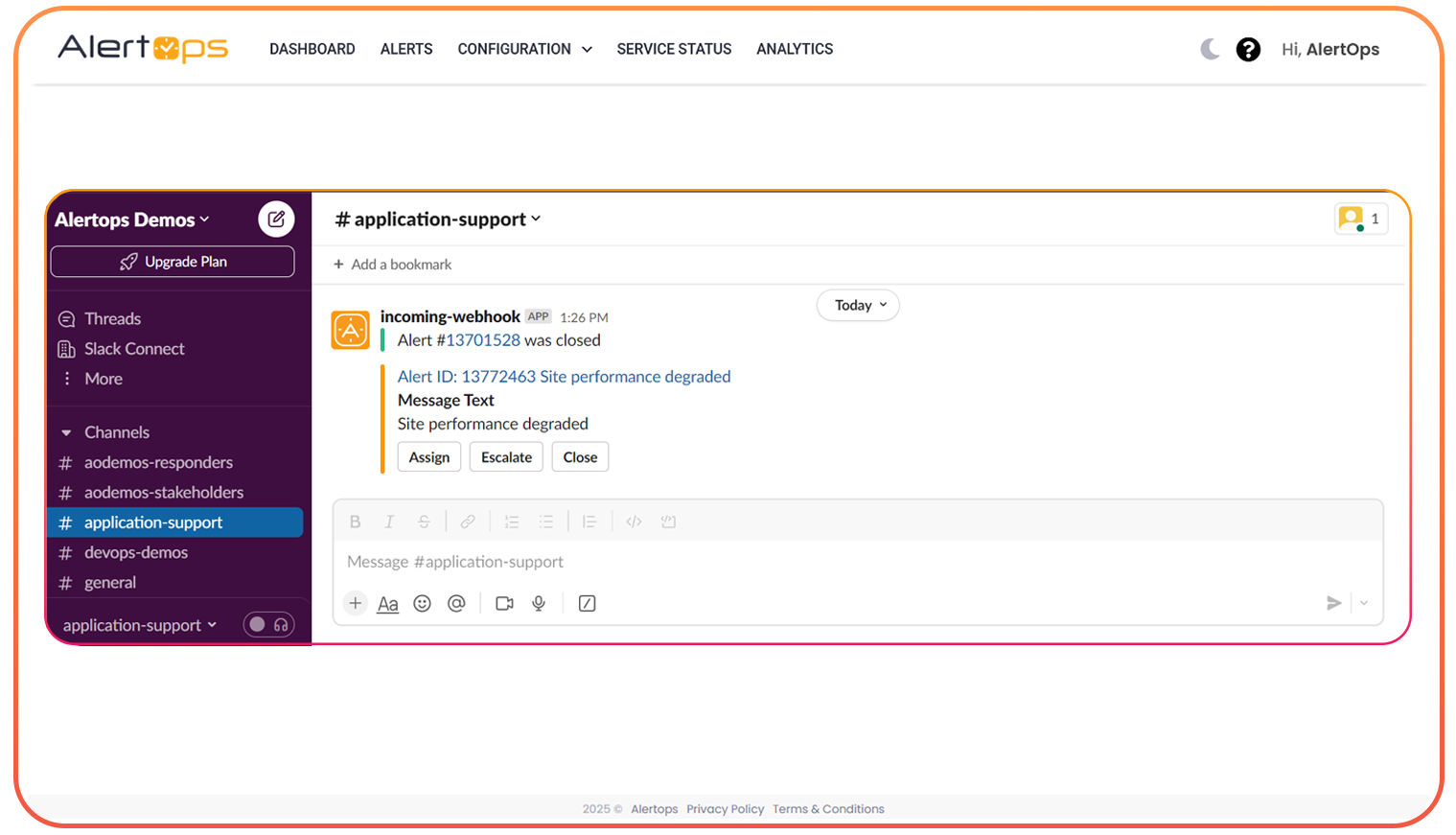
Send alerts via Slack, Teams, SMS, voice, or email
Ensure alerts reach your team wherever they are
Auto-Close & Recovery Detection
When AppDynamics signals recovery, AlertOps closes the incident
Keeps your workflow clean without manual work
Full Audit Trails & Insights
See who got alerted, when, and how the incident progressed
Helps teams with postmortems and compliance tracking
Easy Integrations
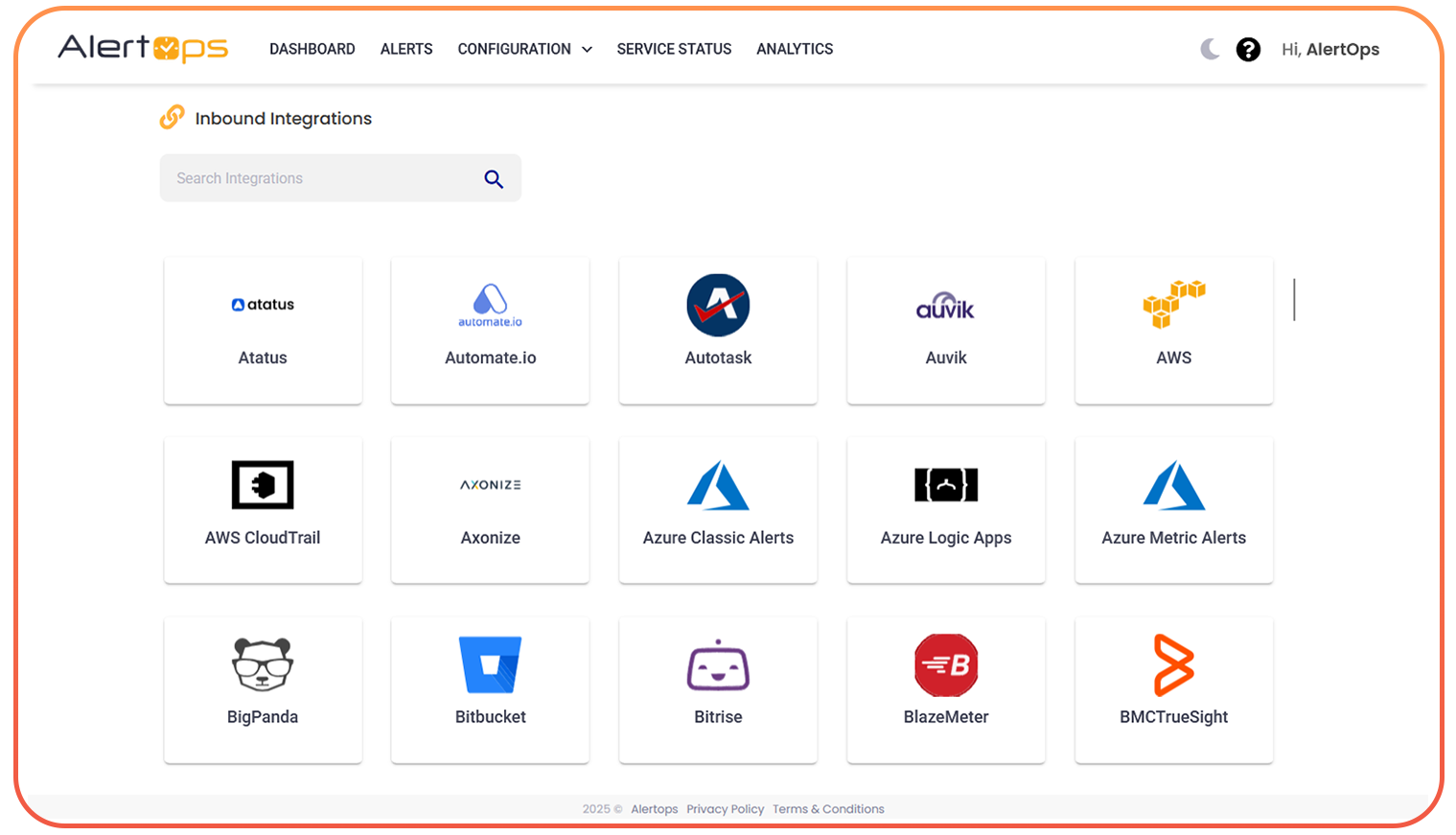
Works with ServiceNow, Jira, PagerDuty, Datadog, and 200+ other tools
Connect AlertOps into your existing operations stack
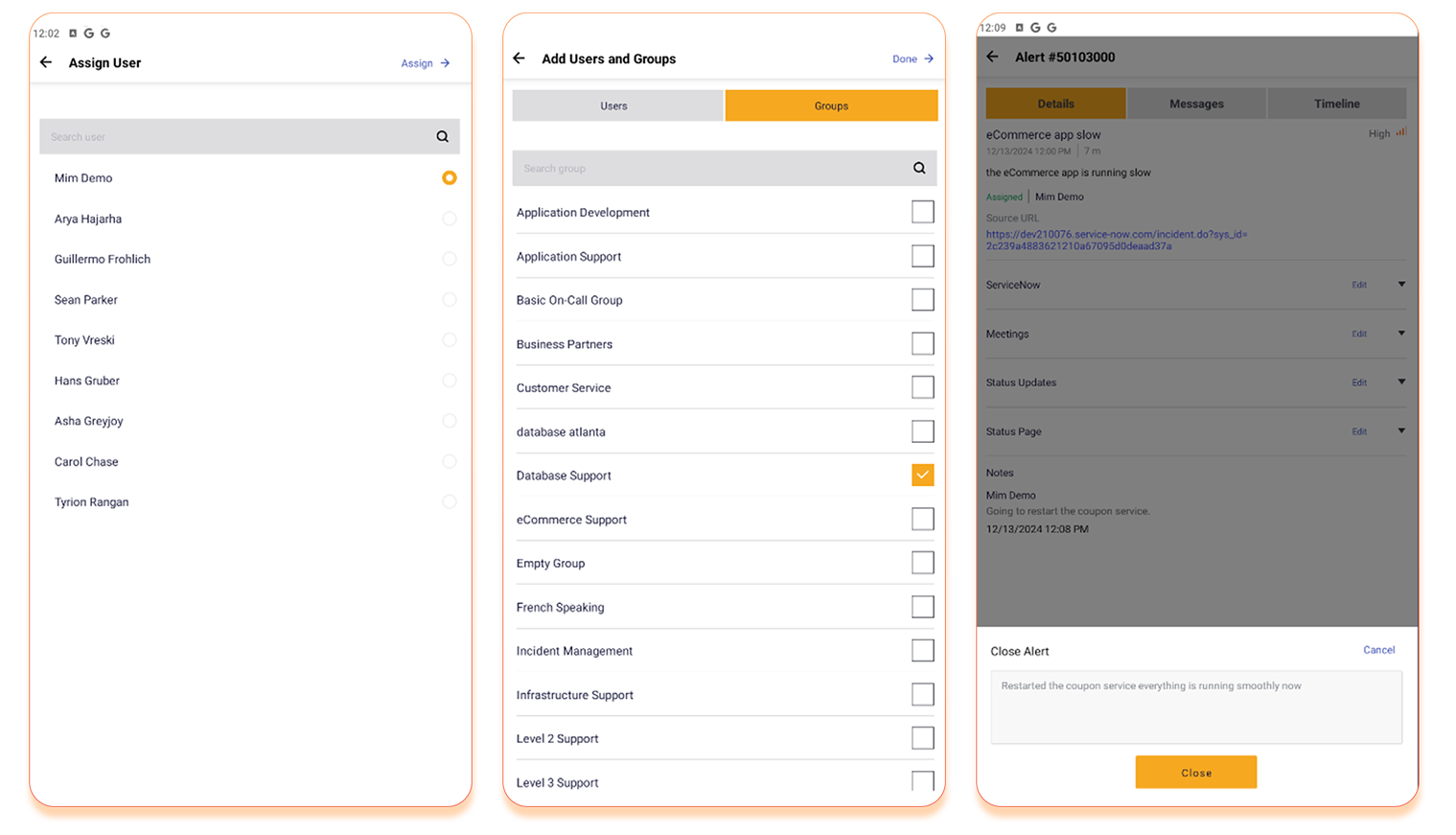
Mobile App with Push & Control
Manage incidents, acknowledge alerts, and adjust schedules — all from your phone
Especially critical with AppDynamics mobile app EOL in May 2025
What ThousandEyes Teams Are Asking, and How AlertOps Helps
Real-Time Problem
AlertOps Solution
How do I reduce constant duplicate alerts when multiple agents detect the same outage?
AlertOps uses AI to group similar alerts into one clean incident.
What if my team misses alerts during off-hours or holidays?
Dynamic on-call schedules ensure alerts always reach the right responder.
Can I prioritize ThousandEyes alerts based on impact?
Yes, AlertOps auto-tags alerts by type, severity, and criticality.
How do I make sure alerts reach my team even if they’re away from email?
AlertOps sends alerts through Slack, Teams, SMS, voice, or push, wherever your team works.
Can alerts be automatically closed when tests recover?
Yes, AlertOps detects recovery signals and auto-resolves alerts with full audit logs.
User Reviews
“We were drowning in health rule alerts. AlertOps cleaned up our volume, routed only real issues, and improved our response time dramatically.”
— SRE Lead, SaaS Company
Take Control of Your Monitoring Alerts
Book a Free Demo today and see how AlertOps makes ThousandEyes monitoring actionable.